.svg)
FileCloud for Office is an MS Office add-in for Word, Excel, and PowerPoint which can be used in both Windows and macOS with FileCloud Sync, FileCloud Drive, and FileCloud Desktop. It is available in FileCloud beginning with version 23.1.
For instructions on how to install FileCloud for Office, see Using FileCloud for Office.
-
FileCloud Sync installers do not create a Sync desktop shortcut. However, users can create the shortcut manually.
You must install FileCloud Sync before you can begin synchronizing documents on your local computer to the FileCloud Server site.
To install FileCloud Sync on macOS:
-
Download FileCloud Sync App from https://www.filecloud.com/additional-downloads/#sync
-
After successfully downloading the app, run the downloaded dmg file FileCloudSync64.dmg.
-
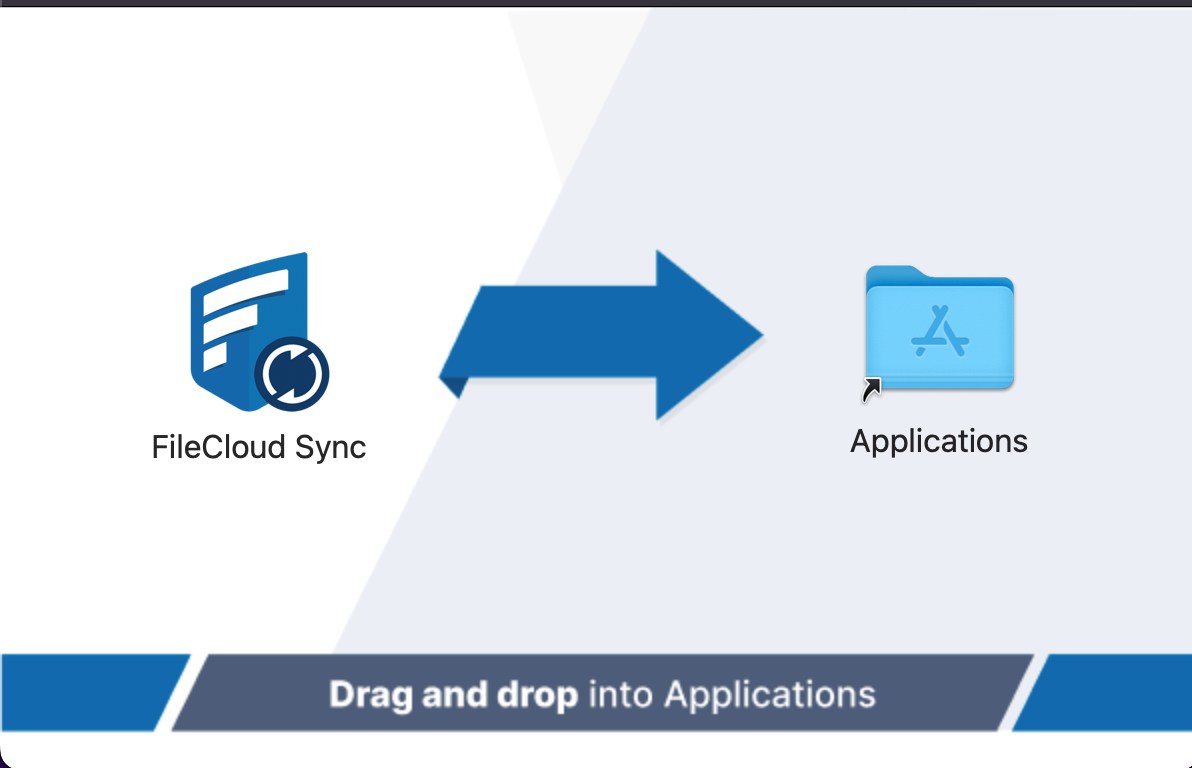
Drag and drop FileCloud Sync app to Applications.
-
Go to Applications and open the FileCloud Sync App.