.svg)
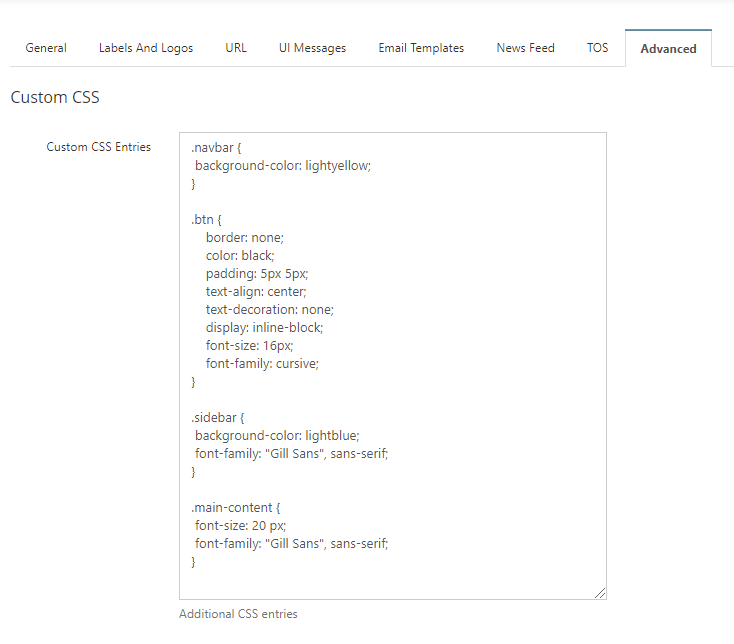
Example CSS:
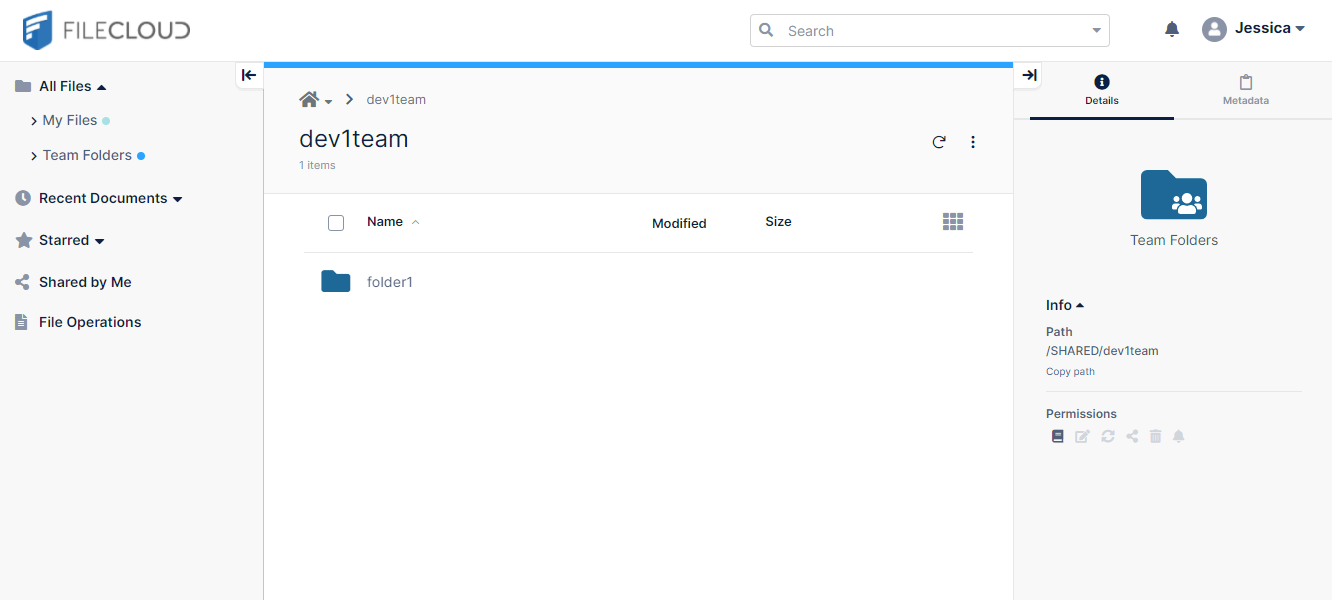
Before Custom CSS Added
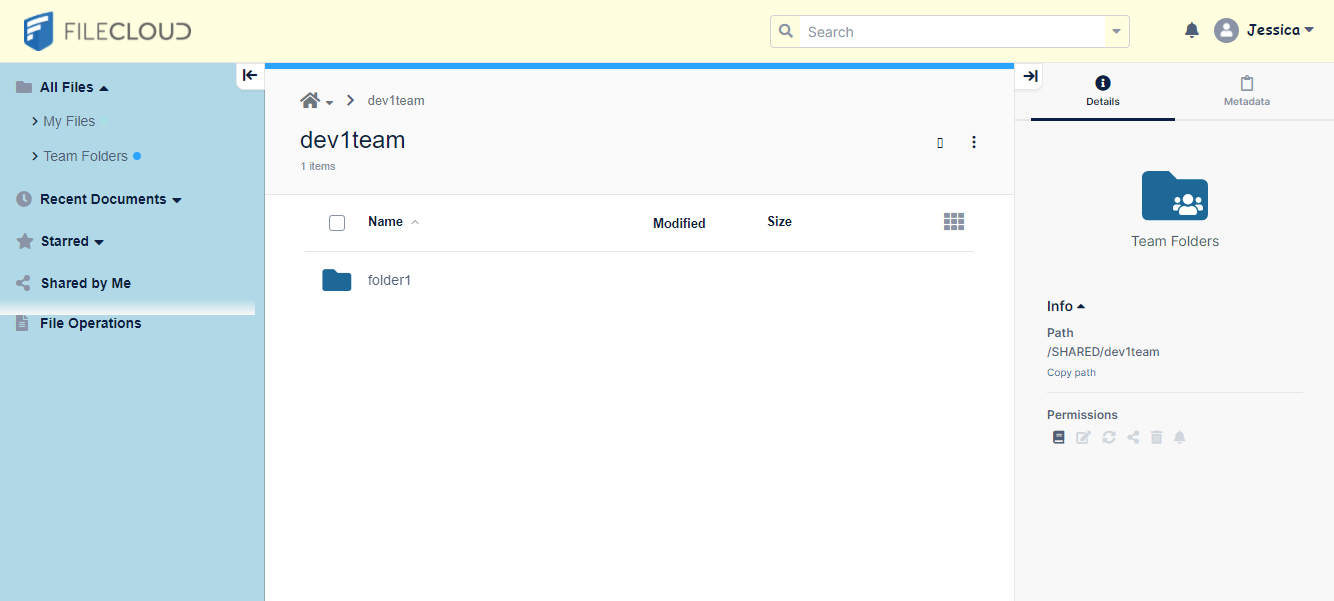
After Custom CSS Added
Note: Additional CSS entries are enforced in addition to those specified in the manual entries.
Your custom attributes take precedence over the attributes set in the theme assigned by you or the theme users select.
Sample
Sample CSS
CSS
.navbar {
 background-color: lightyellow;
}

.btn {
    border: none;
    color: black;
    padding: 5px 5px;
    text-align: center;
    text-decoration: none;
    display: inline-block;
    font-size: 16px;
    font-family: cursive;
}

.sidebar {
 font-family: "Eras ITC";
}

.main-content {
 font-size: 24 px;
 font-family: "Eras ITC";
}