.svg)
Beginning in FileCloud Version 21.3, Drive installs into the folder Program Files instead of the folder Program Files(x86).
To install FileCloud Drive:
-
Download FileCloud Drive from the following URL:
http://www.filecloud.com/additional-downloads/#drive -
To run the installation wizard, click the FileCloudDrive2eSetup.exe execution file you just downloaded.
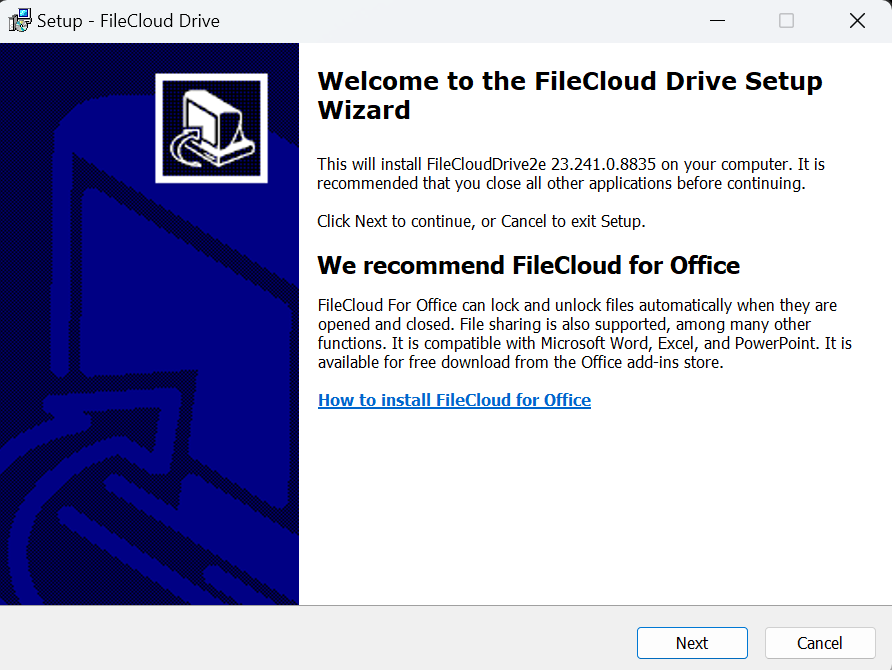
The first screen recommends that you use the FileCloud for Office feature.
-
Click Next.
-
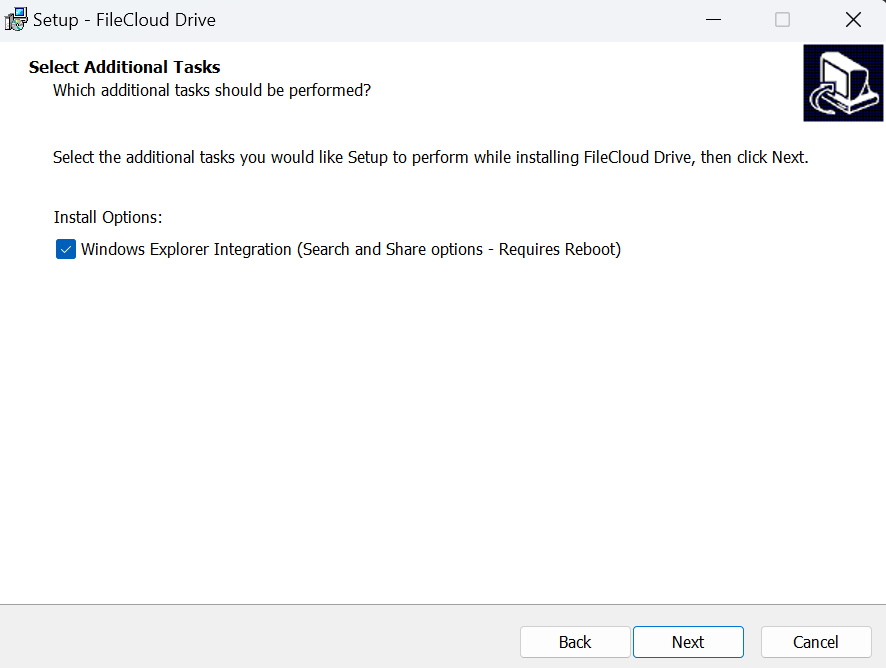
Leave the checkbox checked, and click Next.
The next screen appears: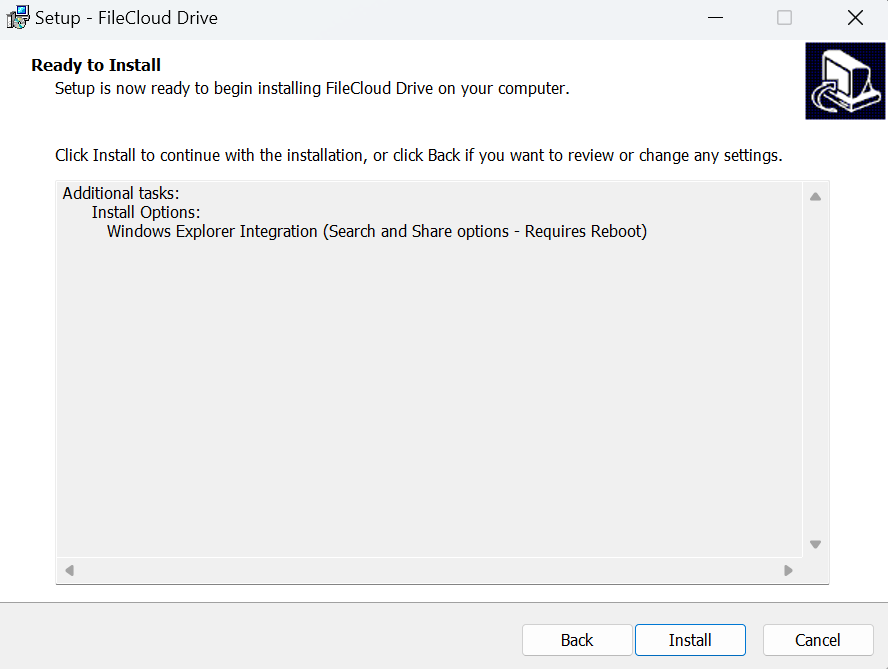
-
Click Install.
The wizard shows the installation's progress.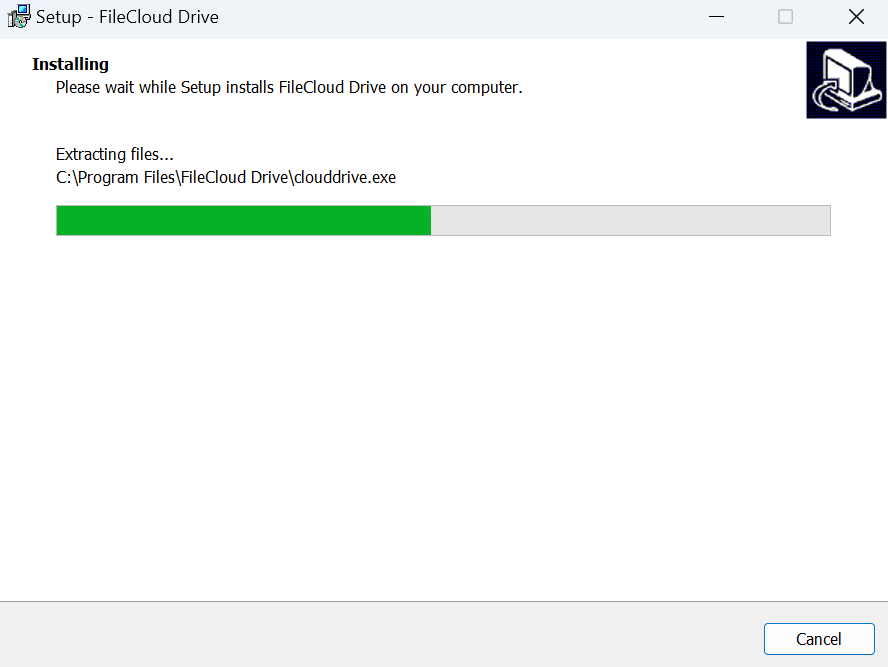
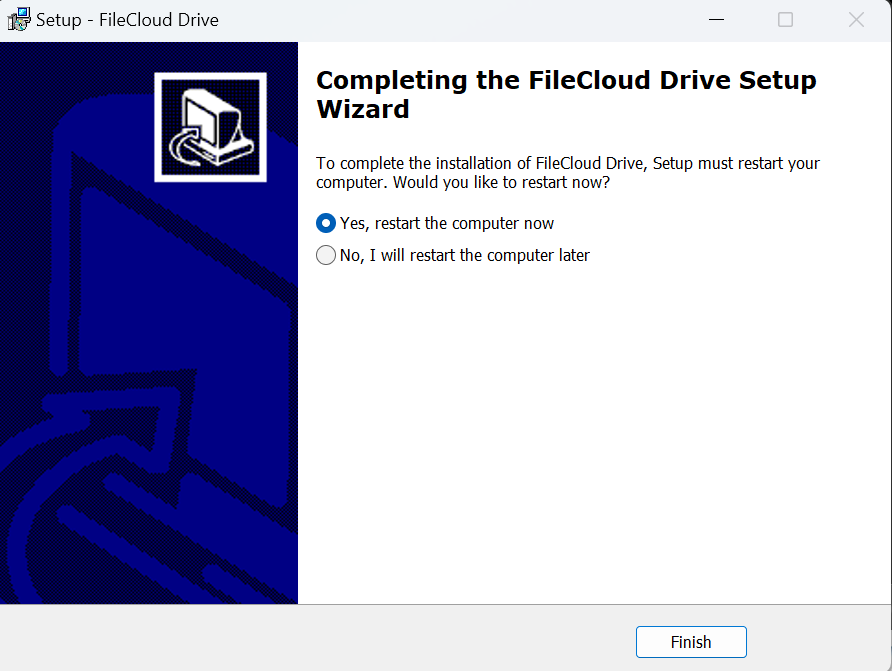
When installation is complete, the following screen appears:
-
Leave Yes, restart the computer now selected to begin using Drive or the latest version of Drive, and click Finish.